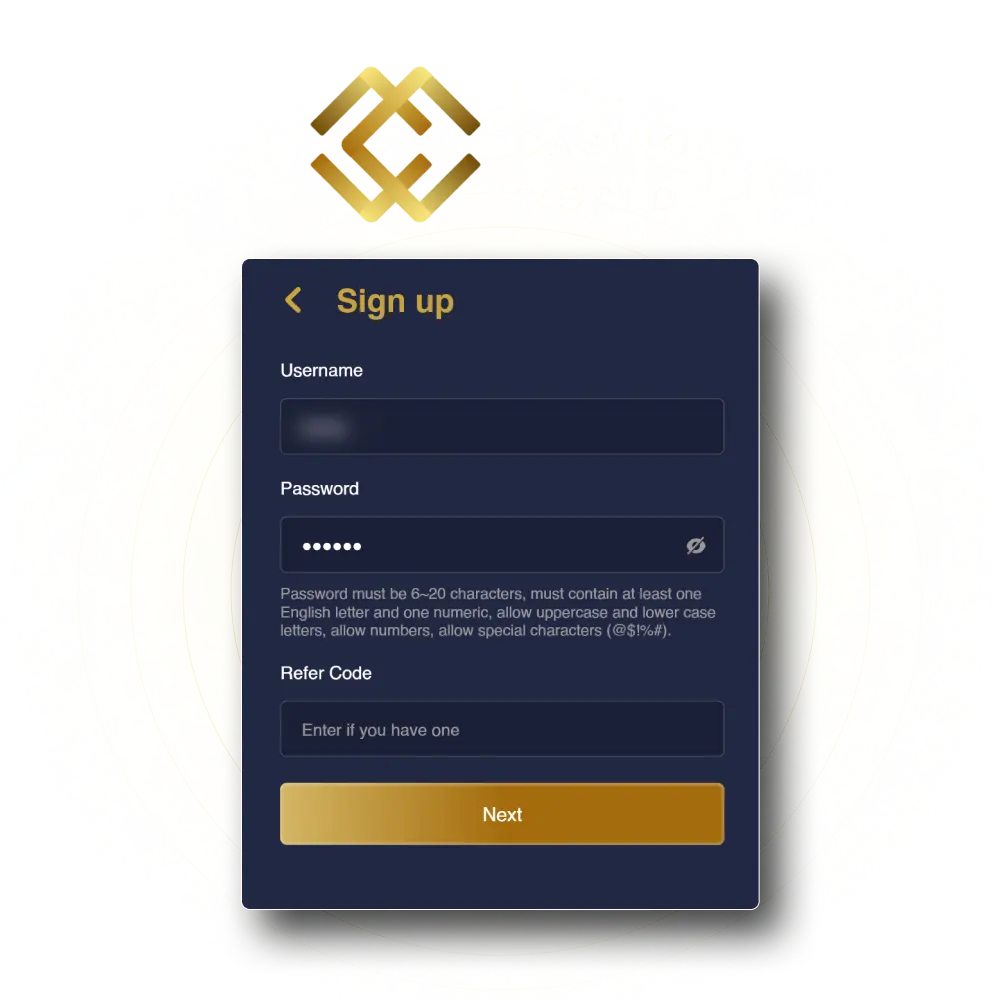
Mega Casino World Registration, Login and Verification Process

Creating an account on Mega Casino World gives you access to a full range of casino games, live tables, and sports betting markets available to players across India. The registration process is straightforward, and once your account is active, you can log in at any time from the official website or the mobile app to place bets and claim your bonuses. Account verification is a required step that protects your funds, confirms your identity, and ensures your withdrawals are processed without delays. Support is available around the clock, and new players can look forward to a welcome bonus waiting after sign-up at the promotions page.

Mega Casino World registration, login, and verification process for Indian players to access casino games and sports betting

Mega Casino World Sign Up Instructions

The Mega Casino World sign up process takes only a few minutes and requires basic personal details to get your account created. Follow the steps below to complete your registration.

1

Click the Register Button

Select the “Register Mega Casino World” button on this page to open the official registration form directly.

2

Fill In Your Personal Details

Enter your full name, date of birth, email address, and mobile number in the fields provided on the registration form.

3

Choose a Username and Password

Create a unique username and a strong password for your account. Keep these credentials stored securely.

4

Accept the Terms and Submit

Review the terms and conditions, confirm you meet the age requirement, and submit your registration form to create your account.

5

Check Your Email or SMS for Confirmation

A confirmation link or OTP will be sent to your registered email address or mobile number. Use it to activate your account and proceed to login.

Registration via Mobile App on Mega Casino World

Registering through the Mega Casino World mobile app follows the same core process as the website, but the layout is optimised for smaller screens and touch navigation. Once the app is downloaded and installed on your device, follow these steps to create your account.

  1. Open the App and Tap Register. Launch the app and tap the “Register” button on the home screen to access the account creation form.
  2. Enter Your Account Details. Provide your full name, date of birth, email address, and mobile number. You may also have the option to sign up via your mobile number or email, depending on the form available.
  3. Set Your Login Credentials. Choose a username and a secure password that you will use each time you sign in to your account.
  4. Submit and Verify. Tap the submit button, then confirm your account using the OTP or verification link sent to your mobile number or email address.
  5. Start Using Your Account. Once confirmed, your account is active and you can log in, make a deposit, and access all games and betting markets through the app.

Registration Requirements

Before completing the Mega Casino World registration, there are a few important conditions you need to meet. These requirements are in place to keep the platform safe, compliant, and fair for all users. Make sure you review each point before you proceed.

  • Minimum Age. You must be at least 18 years old to create an account and participate in any real-money gambling activity on the platform;
  • One Account Per Person. Each user is permitted to hold only one account. Creating duplicate accounts is a violation of the platform’s terms and may result in account suspension;
  • Valid Personal Information. All details you provide during registration, including your name, date of birth, and contact information, must be accurate and match your official identity documents;
  • Identity Verification Documents. You will be required to submit valid government-issued identification during the verification process. Accepted documents typically include an Aadhaar card, PAN card, or passport;
  • Eligible Jurisdiction. You must be located in a jurisdiction where online gambling is permitted. It is your responsibility to confirm that participation is lawful in your region before creating an account.
Mega Casino World registration requirements including age limit, ID verification, and jurisdiction eligibility for new users

Mega Casino World Account Verification Process

Account verification is a mandatory step that confirms your identity and protects your funds. Completing it gives you full access to withdrawals, higher deposit limits, and uninterrupted access to all platform features. For players in India, this process is standard across all licensed gambling platforms and typically takes between 24 and 72 hours once documents are submitted.

  1. Identity Verification. Upload a valid government-issued photo ID such as your Aadhaar card, PAN card, or passport. The document must be clear, fully visible, and not expired.
  2. Address Verification. Provide proof of your current residential address. Accepted documents include a utility bill, bank statement, or government correspondence dated within the last three months.
  3. Payment Method Verification. If you have made a deposit, you may need to verify the payment method used. This could involve submitting a screenshot of your UPI account, e-wallet, or bank details associated with the transaction.
  4. Selfie or Photo Confirmation. Some accounts may require a selfie or a photo holding your ID document to confirm the person registering matches the documents submitted.
  5. Review and Approval. Once all documents are submitted through your account profile on this platform, the verification team reviews them and notifies you of the outcome via email or SMS.
Mega Casino World account verification process steps for Indian players including ID, address, and payment method documents

Login to Mega Casino World Account

Once your account is created, the Mega Casino World login process is quick and consistent across the website and mobile app. Follow these steps each time you need to access your account.

  1. Open the Login Page. Click the “Login” button on this page or on the homepage of the official platform to open the sign in form.
  2. Enter Your Credentials. Type in your registered email address or username along with your password. Make sure the details match exactly what you used during registration.
  3. Complete Any Security Check. If two-factor authentication is enabled on your account, enter the OTP sent to your registered mobile number or email to confirm your identity.
  4. Access Your Account. Once your credentials are confirmed, you will be taken directly to your account dashboard where you can deposit funds, browse games, and manage your profile.
Mega Casino World login page showing sign-in form with email, password fields and secure account access steps

Welcome Bonus After Registration

After completing the Mega Casino World sign up, new players become eligible for a welcome bonus that applies to both the casino and the sportsbook. The bonus is credited based on your first deposit and the offer you activate at the time of sign-up. For full and current details on all available promotions, visit the official promotions page.

Below is a general overview of the welcome bonus structure:

Offer Type Bonus Details Minimum Deposit Wagering Requirement
Casino Welcome Bonus Percentage match on first deposit Varies by offer Applies, check promotions page
Sports Welcome Bonus Bonus on first sports deposit or bet Varies by offer Applies, check promotions page
Combined Offer May include both casino and sports credit Varies by offer Applies per bonus type

Always read the full terms and conditions on the promotions page before activating any bonus, as wagering requirements, eligible games, and validity periods vary.

Learn How to Get a Welcome Bonus

Claiming your MCW welcome bonus requires only a few actions after your account is created. Follow the steps below to make sure the bonus is credited to your account correctly.

1

Register Your Account

Click the “Get a Bonus” button on this page to open the registration form and complete the sign up process with your personal details.

2

Make Your First Deposit

Once logged in, navigate to the deposit section and add funds using your preferred payment method. Ensure the deposit meets the minimum amount specified in the bonus terms.

3

Activate the Bonus

Go to the promotions section of your account and select the applicable welcome bonus for casino or sports. Some offers are applied automatically upon deposit, while others require manual activation.

4

Meet the Wagering Requirements

Use your bonus funds on eligible games or sports bets as outlined in the terms. Once the wagering conditions are fulfilled, any resulting winnings become available for withdrawal.

Potential Issues When Registering an Account

Most users complete the registration process without any difficulty, but certain issues can arise that require attention or support. Below are common problems and the recommended steps to resolve them.

  • Email or mobile number already in use. This typically means an account already exists with those details. Try logging in instead, or contact support to check whether a duplicate entry occurred;
  • OTP not received for account activation. Check your spam or junk folder if using email. For SMS, confirm your mobile number was entered correctly. Request a new OTP after waiting a few minutes, or contact support if the issue continues;
  • Registration form not submitting. Ensure all required fields are filled in correctly and that there are no formatting errors, such as invalid characters in the username or an incorrectly formatted email address. Clearing browser cache or switching to a different browser may also help.
Common account registration issues including OTP errors, email conflicts, form errors, and identity verification problems with solutions

Account Password Recovery

If you have forgotten your password, you can recover access to your account quickly through the official password reset process. Follow the steps below to restore your login credentials.

  1. Go to the Login Page. Open the official platform and click the “Forgot Password” link located below the login credentials fields.
  2. Enter Your Registered Email or Mobile Number. Provide the email address or mobile number associated with your account. A password reset link or OTP will be sent to that contact.
  3. Use the Reset Link or OTP. If a reset link was sent to your email, click it to open the password reset form. If an OTP was sent to your mobile number, enter it in the verification field to proceed.
  4. Set a New Password. Create a new strong password for your account. Avoid reusing previous passwords and ensure the new one meets the platform’s security requirements.
  5. Log In with Your New Password. Once the password is updated, return to the login page and sign in using your registered email or username along with the new password.
Step-by-step account password recovery process showing forgot password link, OTP verification, and new password setup

Delete Your Mega Casino World Account if Needed

If you decide to close your account, the deletion process must be handled through the support team, as account removal is a permanent action that cannot be reversed. Players sometimes request account deletion for reasons such as self-exclusion, personal preference, or a decision to stop gambling.

  1. Contact Customer Support. Reach out to the official support team through the live chat or email channel available on the platform. State clearly that you wish to permanently delete your account.
  2. Provide Your Account Details. You will need to verify your identity by providing your registered email address, username, and possibly answering a security question or submitting a verification document.
  3. Withdraw Any Remaining Funds. Before deletion is processed, ensure that any remaining balance in your account has been withdrawn to your verified payment method. Funds left in a deleted account may not be recoverable.
  4. Confirm the Deletion Request: The support team will confirm the details of your request and process the account closure. You will receive a confirmation notification once your account has been permanently deleted.
Steps to permanently delete your Mega Casino World account via support team, including fund withdrawal and identity verification

FAQ

Can I register on Mega Casino World from any state in India?

Access to online gambling platforms varies by state in India. You are responsible for checking whether online gambling is permitted in your specific state before creating an account and participating in real-money play.

How long does the account verification process take?

Verification typically takes between 24 and 72 hours after all required documents are submitted. Complex cases or documents that require additional review may take longer. You will be notified by email or SMS once the process is complete.

Is it safe to submit identity documents on this platform?

All documents submitted during the verification process are handled in accordance with the platform’s data protection policy. Personal data is used solely for identity confirmation and regulatory compliance purposes.

Can I use the same account for both casino games and sports betting?

Yes. A single registered account gives you access to both the casino section and the sportsbook. You do not need separate accounts to use different sections of the platform.

What payment methods are available for deposits and withdrawals in India?

The platform supports a range of payment options commonly used in India, including UPI, net banking, and popular e-wallets. Available methods may vary and are displayed during the deposit and withdrawal process within your account.

Updated: